When paper does not move during loading on a coating machine, the cause usually falls into three areas: blocked mechanical drive, electrical control fault, or material problem. Check them one by one.
I. Mechanical drive faults
(1) Unwind roller rotation blocked
Bearings at both ends of the unwind roller are worn or stuck. Paper scraps, oil, waste, or other debris wrap around the roller surface or shaft end, so the roller cannot rotate normally.
Tension control mechanism fault. For example, the magnetic powder brake is locked, or pneumatic tension clamp pressure is too high, so the paper is gripped too tightly and cannot be pulled.
(2) Roll installation stuck
Unwind fixture jaws are worn or air pressure is low. They cannot hold the roll core shaft firmly. The core shaft spins freely when the paper tries to turn.
The roll is offset during loading. The paper edge catches in a frame gap and is stuck by the machine frame, so it cannot move.
(3) Pull roller running fault
Rubber layer on the pull roller is worn or contaminated with coating residue. Friction is too low to drive the paper forward.
Pull roller pressing mechanism fault. For example, cylinder air pressure is low or a spring fails. The roller does not press the paper tightly, so it slips.
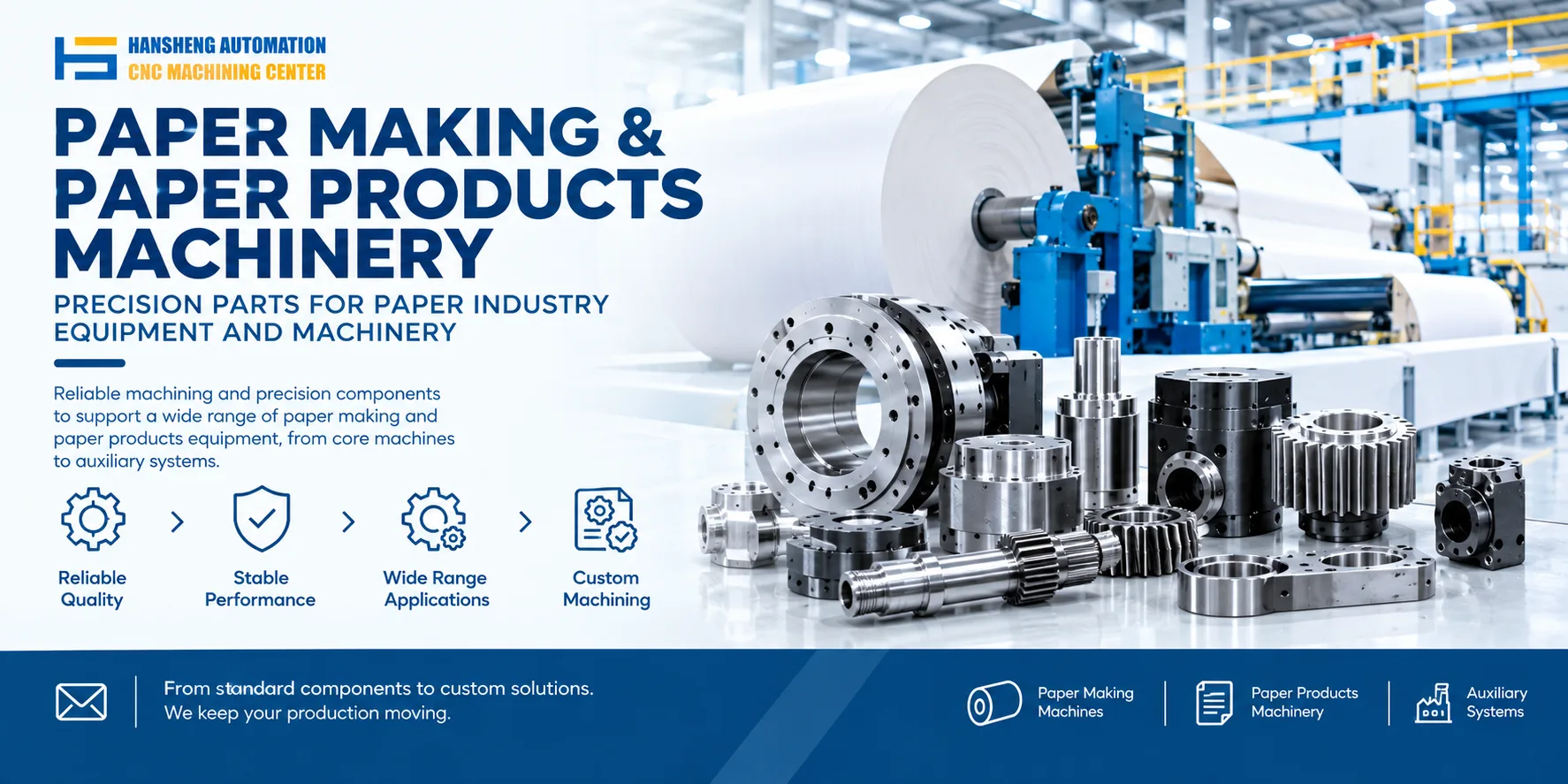
When pull rollers, unwind rollers, or coating heads need replacement, Hansheng Automation can machine these precision parts from customer drawings in single pieces or small batches.
II. Electrical control faults
(1) Power output failure
Unwind or pull servo motor or variable frequency motor fault. For example, winding burned out or encoder signal abnormal, so no rotational torque is output.
Motor drive module error. For example, inverter overload stop or communication link interruption. The system does not send a rotation command to the motor.
(2) Interlock control fault
Loading in-place detection switch or material head photoelectric sensor triggers falsely or fails to detect. The system wrongly thinks loading is complete or not complete, and cuts or fails to start unwind or pull power.
Linked signal between main machine and unwind or pull mechanism is interrupted. For example, power cable is loose or PLC input/output point is damaged. The main machine does not trigger unwind and pull actions at the same time.
III. Material problems
(1) Paper layers sticking
Storage humidity is too high, so paper layers stick together. The roll cannot separate and unwind smoothly.
Static on the paper surface is too high. It adheres to the unwind roller or adjacent paper layers, which blocks normal unwinding.
(2) Poor roll winding quality
Slit edges of the paper are wrinkled or have burrs. During winding, inner layers are squeezed and deformed by outer layers, causing sticking during unwinding.
Roll winding is not aligned. Edges are stacked out of position. During unwinding, paper layers catch on each other and jam.
Winding tension is too high. Inner paper layers are pressed too tightly and stick or jam.
Safety: Before troubleshooting, cut the main power and lock out/tag out to prevent rotating parts from pulling in limbs. Live testing of electrical parts must be done by an electrician with a special operation certificate to prevent electric shock.
Our precision custom machining is not limited to coating machine parts. We also produce non-standard components for medical devices, printing equipment, food machinery, tobacco packaging machinery, filling machinery, yacht hardware, and RC car parts. Hansheng Automation supports single-piece and small-batch production from customer drawings. We focus on precision parts machining and delivery, which helps maintenance and replacement across different industries.