When a printing cone edge machine can move to the right but cannot return to the left, the problem is usually related to proximity switch failure, hydraulic system parameter settings, or mechanical blockage.
1. Proximity Switch Problems
This is the most common cause. The proximity switch required for the left return movement may be damaged, disconnected, or have an incorrect sensing distance. The switch should be checked and replaced if necessary, or its wiring reconnected and the sensing point position adjusted.
2. Hydraulic or Parameter Setting Problems
If the equipment is hydraulically driven, check whether the main system pressure is insufficient, or whether the directional valve controlling the return movement (such as a PV valve) is stuck in the energized position and cannot reset. At the same time, verify whether the speed, pressure, or stroke parameters related to the return movement have been incorrectly adjusted in the equipment settings.
3. Mechanical Blockage or Component Damage
Moving parts such as guide rails and lead screws may be blocked by foreign objects or become stuck due to lack of lubrication. The machine should be turned off first and visible foreign objects cleaned away. The slide block can then be moved manually to check whether it travels smoothly. If the problem persists, internal mechanical components such as bearings or lead screws may be damaged and require professional inspection and repair.
4. Wiring Connection Problems
Check all cable connectors, especially those related to the left limit switch and the drive motor, for looseness or poor contact.
5. Software or Control System Faults
For CNC models, the control program may have errors or the drive parameters may have been lost. Try restarting the system or restoring factory parameters, but back up the current parameters before doing so.
It is recommended to troubleshoot in the above order. If the problem cannot be resolved, contact the equipment manufacturer or a professional repair technician immediately to avoid further damage from unauthorized disassembly.
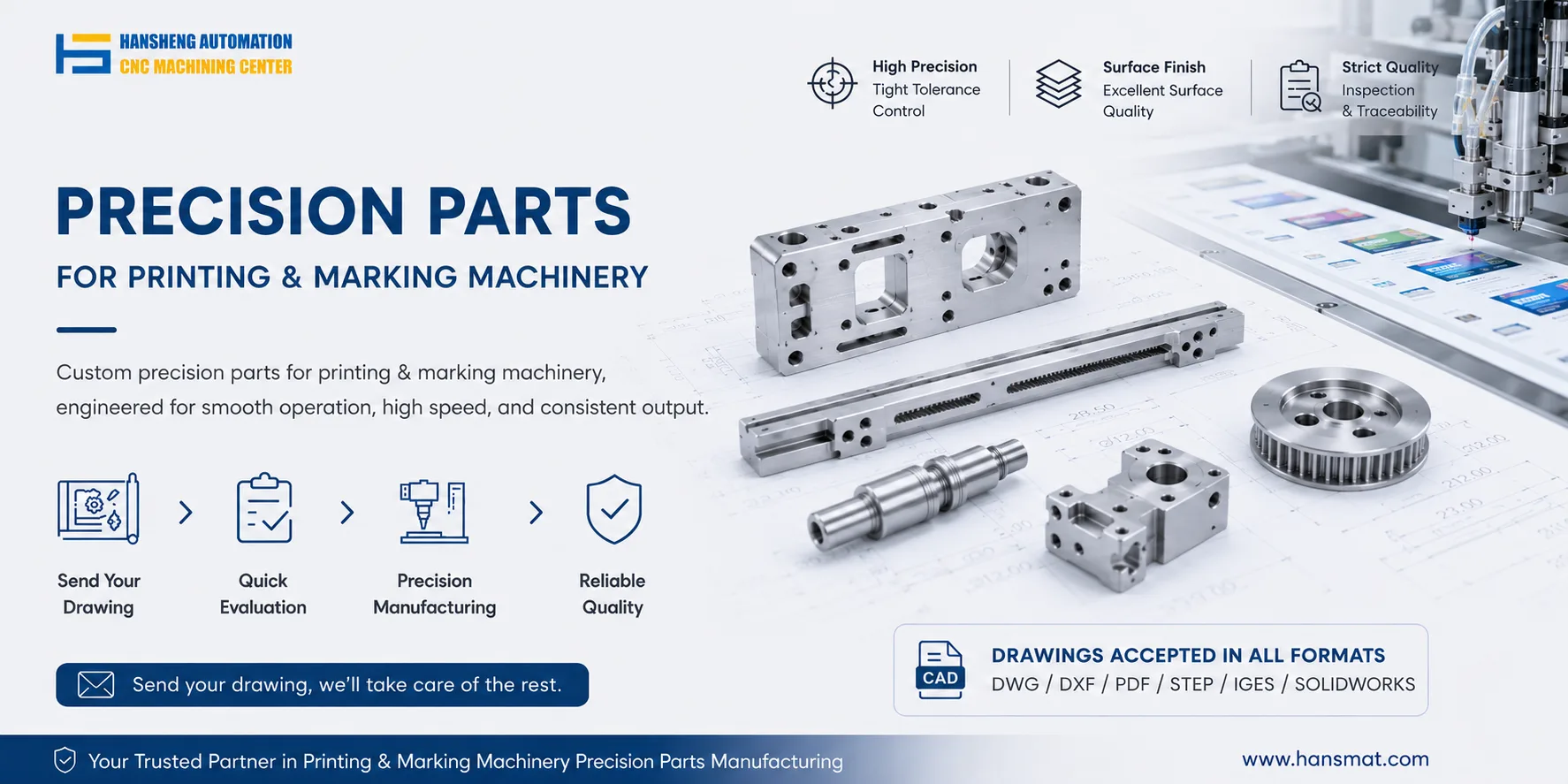
For replacement of worn or faulty components such as proximity switch brackets, guide rails, lead screws, or drive shafts, Hansheng Automation provides custom machining based on customer drawings or samples, including single-piece and small-batch orders.