To set the laser cutting starting origin at the workpiece center and cut toward both sides, follow these steps.
First, find the workpiece center. For a rectangular workpiece, measure the length and width. Divide each by 2. That gives the center coordinates. For a circular workpiece, measure the diameter. Divide it by 2 to get the radius. The circle center is the center position.
Then set the origin in the laser cutting machine control system. Different brands and models have different interfaces, but they usually have an origin setting option. Enter the setting screen, input the workpiece center coordinates in the corresponding position, and set this point as the starting origin. We can machine custom positioning fixtures, datum blocks, and other precision parts for laser cutting from customer drawings, for single-piece or low-volume production.
Next, set the cutting path. Draw the cutting shape or import the cutting file in the cutting software. Use the workpiece center origin as the reference and plan the cutting path from the center toward both sides. For straight line cutting, draw lines from the center to the left and right sides. For complex shapes, start from the center and plan the cutting sequence extending to both sides in a reasonable order. This keeps cutting continuous and accurate.
After setup, run a simulation cut to check whether the path meets requirements. If there are no problems, start the actual cutting.
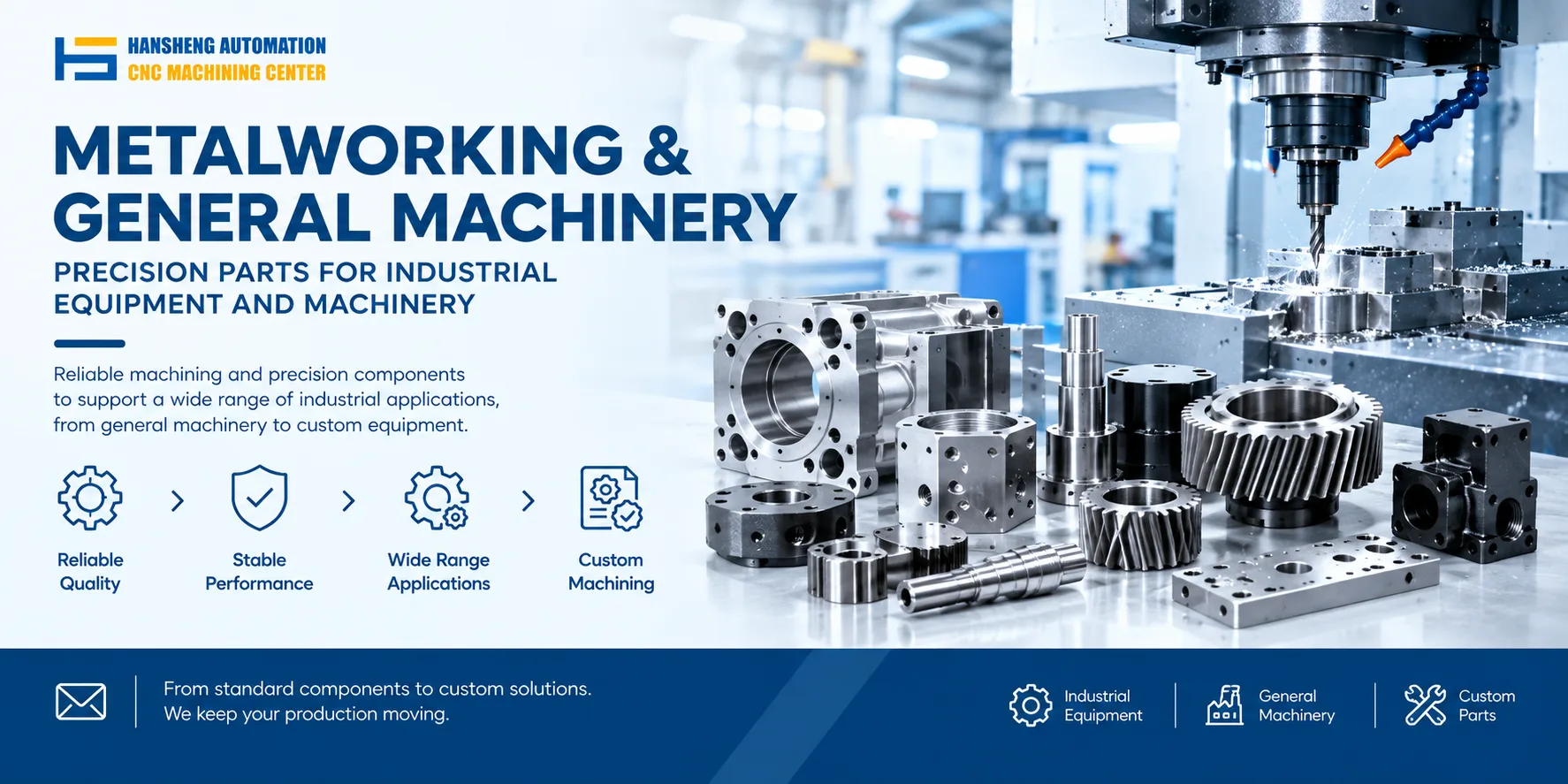
Our custom precision component machining capability is not limited to laser cutting. Beyond cutting fixtures, locating blocks, and nozzles, we also machine yacht precision components, RC car structural parts, medical device parts, and non-standard parts for food machinery, textile machinery, and printing machinery. Hansheng Automation works from customer drawings and production quantities to deliver single-piece or low-volume precision machining.