Proper daily maintenance of an optical sorting machine focuses on cleaning, regular calibration, standardized operation, and condition inspection. These practices help extend equipment life and maintain inspection accuracy.
1. Daily Basic Maintenance
Cleaning: Before startup, wipe the lens, light source, and conveyor belt surface with a lint-free cloth to remove dust and residual workpiece debris that could affect imaging quality. After shutdown, clean material buildup at the inlet and outlet, and use compressed air at no more than 0.4 MPa to blow dust from internal air ducts and photoelectric sensor mounting gaps. Do not blow air directly onto the lens surface.
Consumable inspection: Check that the conveyor belt tension is normal and free from deviation or cracking. Inspect the spring plates of the vibrating feeder for looseness to avoid feeding abnormalities.
Trial run: Run the equipment empty for 3 to 5 minutes. Observe the transmission mechanism for unusual noise, and confirm that indicator lights and alarm systems are working properly.
2. Weekly Maintenance
Deep cleaning: Remove the conveyor belt and feeding tray, wash them with a neutral cleaner, dry them, and reinstall. Clean the industrial camera lens with dedicated lens paper, and avoid using ordinary tissues or hard objects that may scratch the surface.
Tightening and lubrication: Check the tightness of drive belts and fasteners, and tighten any loose bolts. Apply the correct type of lubricant to guide rails, bearings, and other moving parts according to the equipment manual to prevent dry friction and wear.
Calibration check: Use standard gauge blocks to perform a preliminary check of dimensional inspection accuracy. If deviation is found, record the data and contact after-sales service for professional calibration.
3. Monthly Specialized Maintenance
Electrical system inspection: After shutting off the main power, clean dust from the control cabinet, check for loose or oxidized wiring terminals, and tighten aging connections. Test the trigger sensitivity of the emergency stop button and safety light curtain to ensure safety devices remain effective.
Optical system adjustment: Adjust light source brightness and angle for optimal workpiece contrast. Check whether the camera focus parameters have shifted, and refocus to keep the image clear.
Software and data backup: Export the inspection program parameters and back them up to an external storage device. Update system patches if required.
4. Quarterly or Annual Professional Maintenance
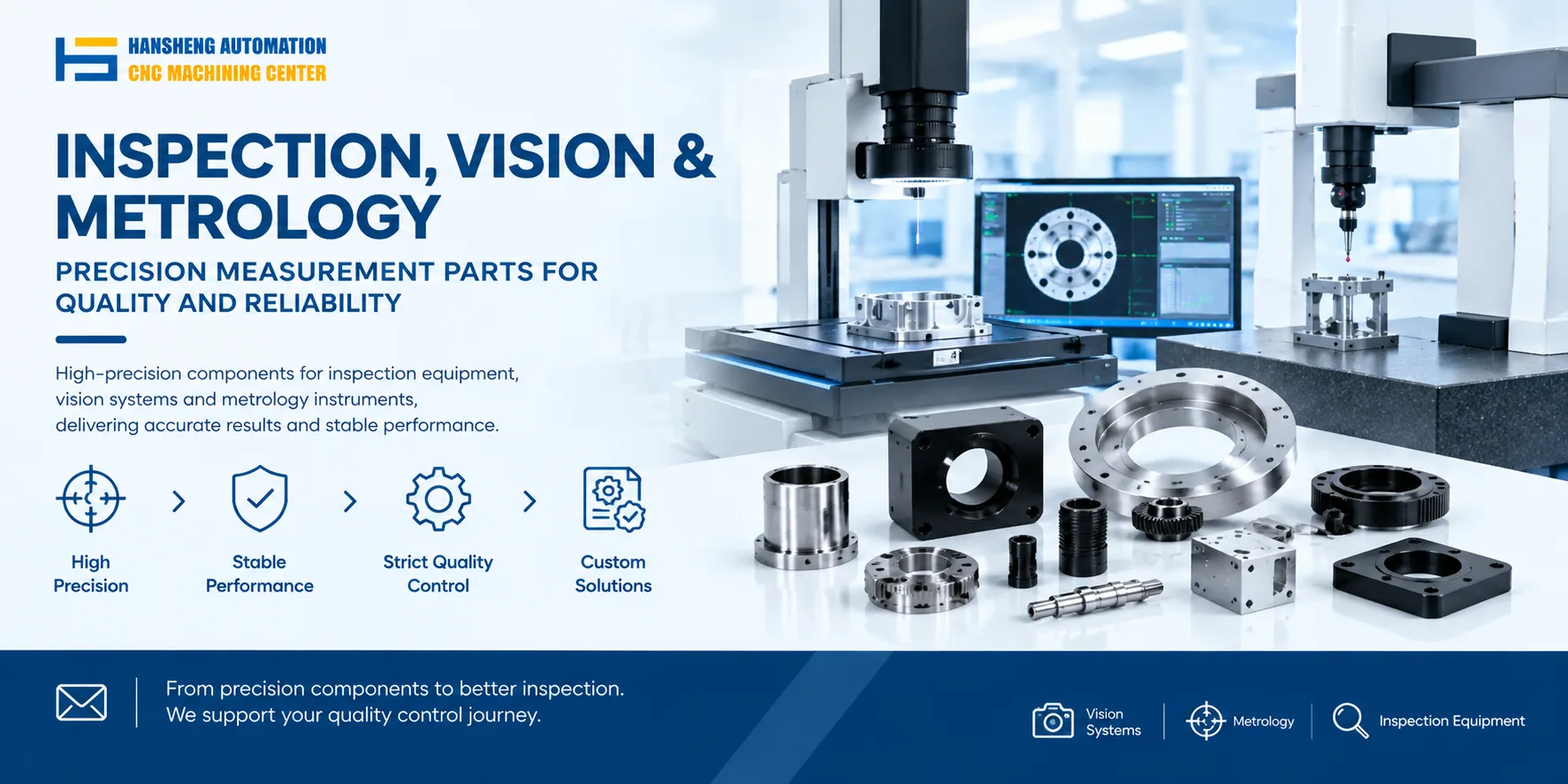
Contact the equipment manufacturer's after-sales team for a full teardown inspection, and replace aging consumable parts such as conveyor belts and light source tubes. For worn or non-standard replacement parts, Hansheng Automation can supply custom-machined components according to your drawings.
Commission a third-party metrology organization to calibrate the equipment's inspection accuracy and issue a calibration certificate that meets industry testing standards.
Evaluate overall energy consumption and noise levels, and optimize operating parameters to reduce losses.
Precautions
Do not use corrosive cleaning agents on the equipment housing or optical components. Always disconnect the main power before cleaning to avoid electric shock. Non-professional personnel should not disassemble the electrical cabinet or precision optical assemblies.