When a vertical automatic granular packing machine stops discharging material, the following steps can be used to identify and resolve the problem.
1. Check the material in the hopper
First, confirm whether there is sufficient material in the storage hopper. If the material has been used up, add granular raw material that meets the required specifications in time to avoid discharge interruption caused by an empty hopper. After refilling, observe whether the material flows smoothly into the conveying pipeline.
2. Check the power supply and switch status
Verify whether the power connections for the material elevator, such as the screw conveyor or belt lifting device, and the metering unit, such as the electronic scale or volumetric cup, are normal and that the equipment is powered on. At the same time, confirm that the relevant control switches, including the emergency stop button and local start switch, are in the correct operating position to avoid shutdown caused by accidental manual operation.
3. Verify air pressure and touchscreen settings
Check whether the pneumatic system pressure is stable, typically within the range of 0.4 to 0.6 MPa. Insufficient air pressure can prevent the cylinder from properly actuating the discharge valve. In addition, confirm that the discharge function on the touchscreen has been activated. Some machines require the operator to manually start the discharge program; if this step is not performed, the system may remain in a stopped state by default.
4. Clear blockages at the discharge outlet
Blockage at the discharge outlet is a common fault. Inspect the outlet for foreign matter such as caked granules or packaging material fragments, as well as material adhesion caused by moisture. After turning off the equipment power, use appropriate tools such as a soft brush or air gun to clean the blocked area. Avoid using sharp instruments that may scratch the inner wall. After cleaning, run the machine without load to test whether material discharge is smooth.
5. Check electrical circuit faults
If all the above steps are normal, inspect the electrical circuit of the discharge system. Pay particular attention to whether the connecting wires of sensors such as level sensors or photoelectric switches are loose or broken, and whether the indicator lights on the control board, such as the PLC or relay module, are abnormal. Electrical faults are often accompanied by alarm codes, which can be used to locate the problem by referring to the equipment manual. If you do not have the ability to repair electrical circuits, contact qualified personnel for assistance.
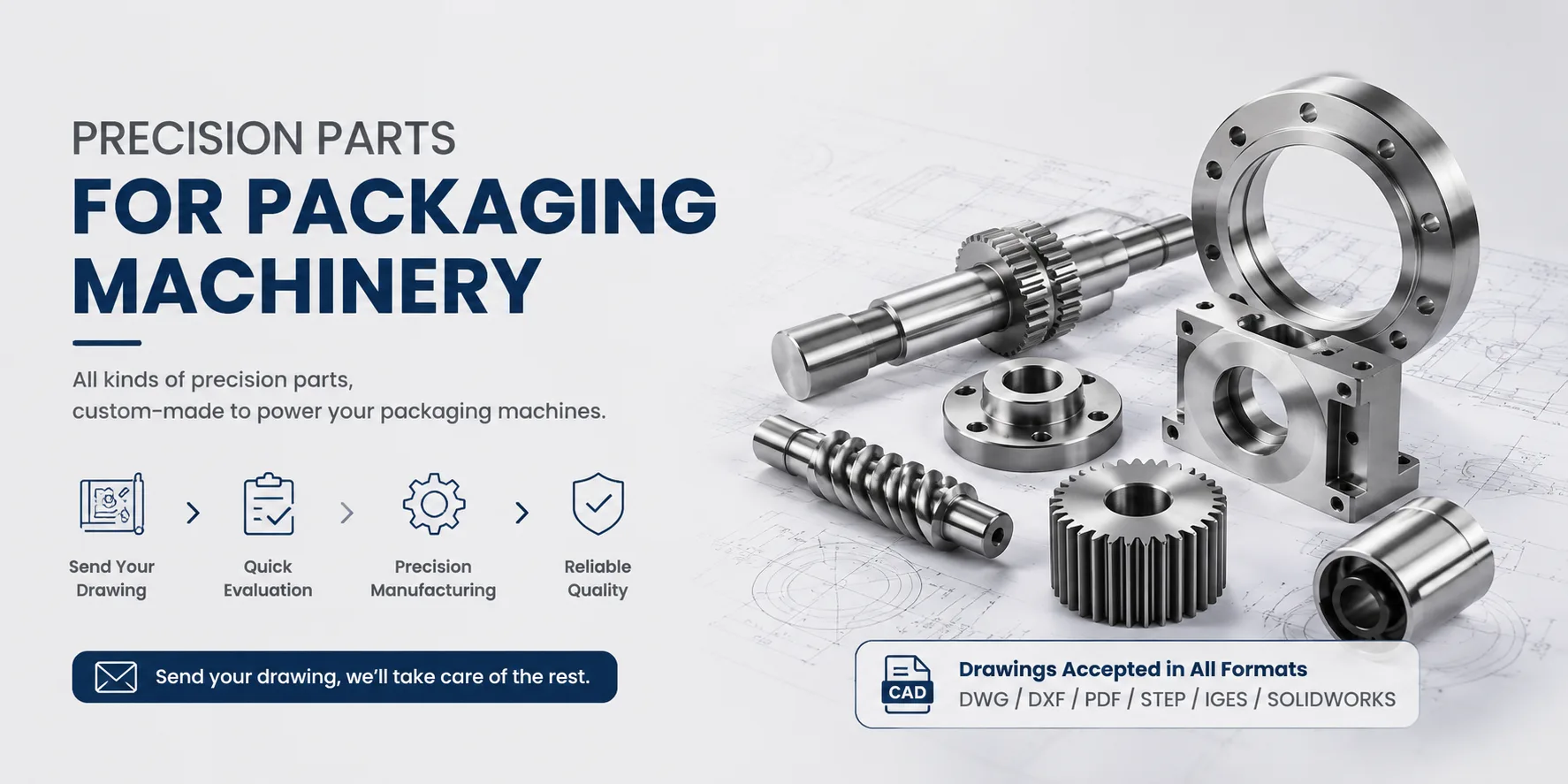
For discharge valves, metering devices, and related precision components, Hansheng Automation can provide custom machining according to equipment specifications, supporting stable material discharge and reliable operation of vertical automatic granular packing machines.
Precautions:
Always disconnect the power supply before troubleshooting to avoid electric shock or mechanical injury.
Clean residual material inside the equipment regularly to prevent long-term buildup from narrowing the pipeline.
If the fault cannot be resolved independently, contact the manufacturer's after-sales service in time to avoid expanding the fault range through improper operation.
Through systematic inspection, the cause of no material discharge can usually be identified quickly and the equipment can be restored to normal operation.