After completing a printing cycle, the sliding table (worktable) of a pad printing machine should normally return to its central home position to await the next cycle. If it stops in the middle and does not move further, the fault usually originates from one of four areas: electrical control, mechanical transmission, pneumatic supply, or air circuit execution. Below are the possible causes and troubleshooting steps, organised by system.
1. Electrical Control System
Power supply issues: Poor contact at the mains socket, broken power cord, or unstable voltage can prevent the motor and controller from receiving proper power. Check the socket connection and measure the input voltage with a multimeter to ensure it is within the rated range.
Control board failure: Burnt relays, capacitors, or ICs, loose soldered joints, or disconnected ribbon cables can interrupt signal transmission. Inspect the control cabinet visually, secure all connectors, and use an oscilloscope to check key signal points if available.
Faulty limit switches or sensors: The table's return to the middle position is typically detected by a proximity switch or mechanical limit switch. If this switch is damaged, covered with oil/dirt, misplaced, or has a broken wire, the control system will not receive the "home" signal and will halt further motion. Clean the sensing face, adjust the mounting distance, check wiring continuity, and replace the switch if defective.
2. Mechanical Drive Components
Excessive guide rail friction: Over time, rails can lack lubrication or accumulate ink and dust, increasing sliding resistance. Scratches or deformation on the rail surface can cause jamming. Clean the rails, apply suitable grease, and inspect for wear or straightness deviation.
Abnormal drive belt or leadscrew: The motor drives the table via a timing belt or leadscrew. A loose, worn, or broken belt, or a seized leadscrew nut, will prevent movement even if the motor runs. Tighten or replace the belt and check the leadscrew assembly.
Sticking auxiliary cylinder: In some designs, the motor moves the table but a cylinder engages for locking or positioning. If the cylinder seals leak, the piston rod is bent, or the guide bushing wears out, the table may not reach the correct stop. Verify smooth cylinder operation and repair or replace as needed.
3. Pneumatic Supply and Actuation
Insufficient air pressure: The main supply pressure is below the required level (typically 0.4–0.6 MPa), causing weak cylinder force for locking or auxiliary movements. Read the pressure gauge and adjust the regulator to the specified value.
Poor solenoid valve switching: A stuck spool, burnt coil, or blocked internal passage can prevent the cylinder from extending or retracting properly. Manually test the valve operation, clean the valve body, or replace the coil/valve unit.
Excess water in the air line: Water accumulated in the FRL bowl can enter the solenoid valve, reducing spool sensitivity or causing corrosion. Drain the water regularly and check the filter element condition.
4. General Troubleshooting Approach
When the table stops at the middle position, follow this sequence: electrical first, pneumatic second, mechanical third.
Check the PLC or controller for any error codes and verify the status of input signals (home switch).
With the power off, manually push the table to feel for mechanical binding. If it moves freely, the issue is likely electrical or pneumatic.
In manual mode, test the motor and cylinder actions separately to isolate the faulty subsystem.
Confirm that supply voltage and air pressure are within specifications.
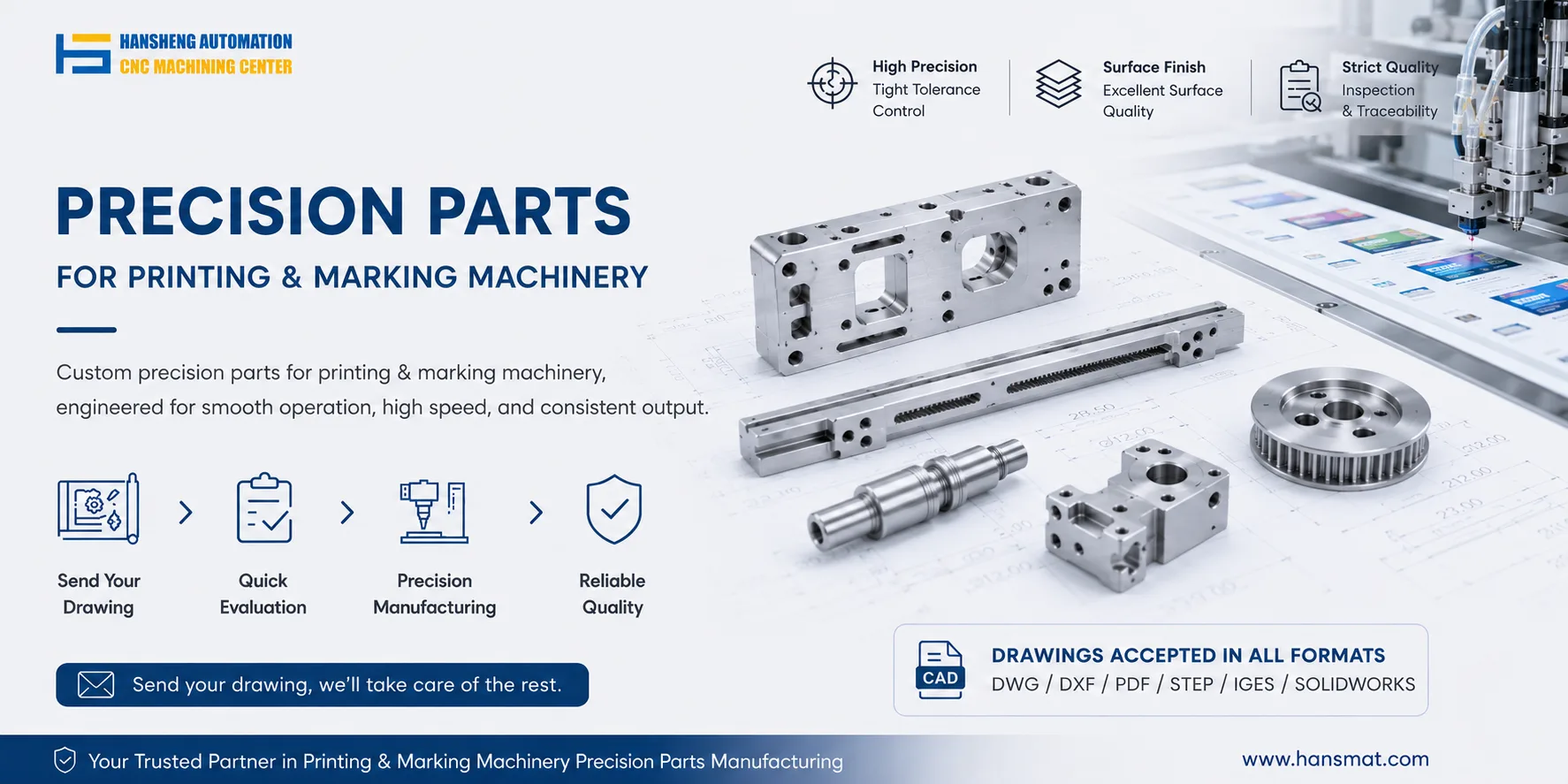
If inspection reveals worn or damaged mechanical parts – such as guide rails, leadscrews, cylinder seals, or sensor brackets – and original replacements are hard to obtain, custom precision machining based on on-site measurements or existing drawings can be arranged. This ensures the replacement parts restore smooth, accurate table motion and return the machine to normal cyclic operation.